Base Configuration
Where: Panel › Base Configuration · Serial menu 3
A base is an MS2net reference station standing still that knows its own position and produces RTCM corrections for the rovers. Two choices: where the base is (measured by itself with Survey-In, or typed as known coordinates with Fixed), and where the corrections go (casters via the NTRIP server, at the rates of RTCM Rates). Which one to choose, and the radio links, are explained in RTK corrections.
These settings are used when the station starts as a base (Startup Mode in
System, or Base from the button menu). The
header shows what will happen, e.g. Startup Mode: Base · Fixed · NTRIP Server. The
complete procedure for a base sending to a caster is in
RTK corrections › Base on an NTRIP caster.
Survey-In


Figure 1 — Animation: Survey-In to fixed base
Survey-In is the factory choice; Fixed brings up the coordinates (example values).
The base measures its own position by averaging, with nothing to type. At start it waits until its horizontal accuracy is good enough, then averages; the survey-in ends when both thresholds are met, and transmission begins. A survey-in still running after 15 minutes starts again from the beginning, wait included, and the station stays a base: see Troubleshooting › Base.
| Field | What it does | Values | Factory | Serial |
|---|---|---|---|---|
| Survey-In / Fixed | How the base gets its position. |  Survey-In, Survey-In,  Fixed Fixed |
Survey-In | 3 → 1 |
| Minimum observation time (s) | Shortest averaging time. | 60 to 600 s | 60 | 3 → 2 |
| Required Mean 3D Standard Deviation (m) | Accuracy the average must reach. | 1.0 to 5.0 m (serial: up to 10.0) | 5.0 | 3 → 3 |
| Required initial positional accuracy | Serial menu only. Horizontal accuracy to reach before averaging starts. | 0.1 to 10.0 m | 1.0 | 3 → 4 |
| Select survey-in radio | Serial menu only. Stored, but has no effect in this firmware. | WiFi, Bluetooth | — | 3 → 9 or 16 |
On the display
The screens of a base waiting for the accuracy and running the survey-in are in The display › Waiting and survey-in, the transmitting screen in The display › Transmitting.
Fixed, ECEF coordinates
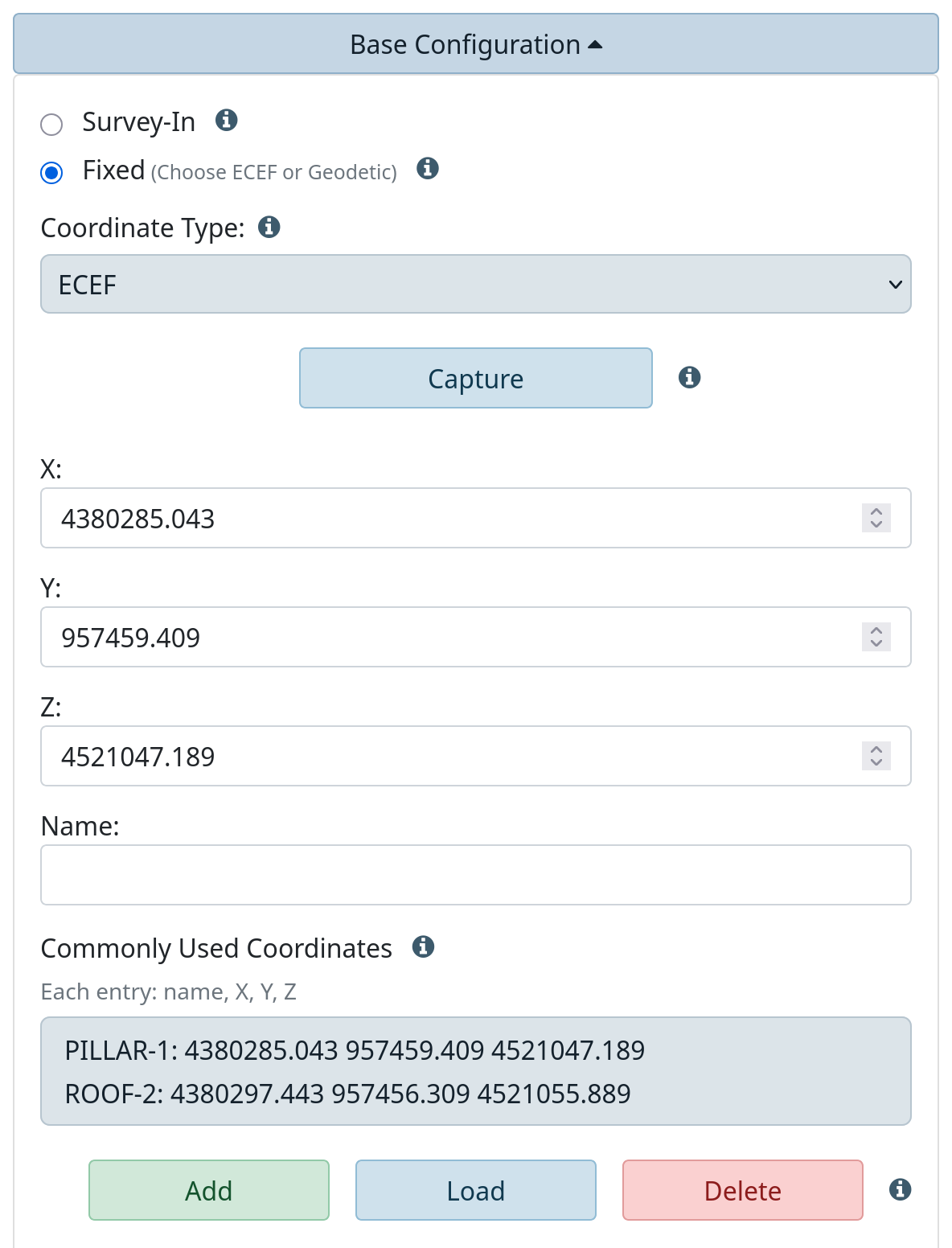
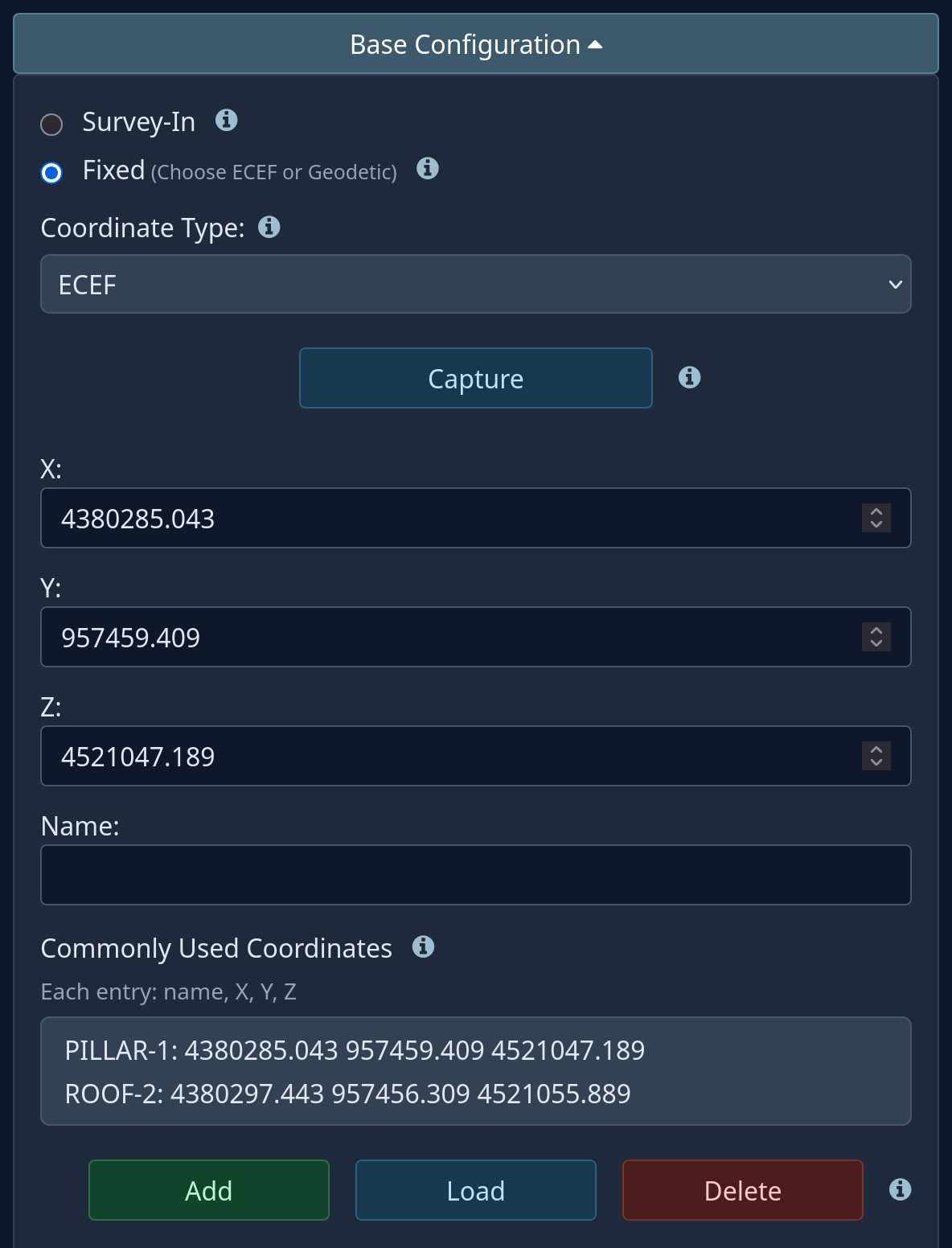
Figure 2 — Fixed base, ECEF coordinates
Fixed is for a known position (surveyed monument, post-processed session, PPP
solution): the base transmits at once, with no survey-in. Coordinate Type chooses
ECEF or Geodetic (serial 3 → 2).
| Field | What it does | Values | Serial |
|---|---|---|---|
| Capture | Copies the current ECEF position from the header into X, Y, Z. | button | — |
| X, Y, Z | Earth-centred coordinates of the antenna in metres, used as written, with no antenna height added. | −7,000,000 to 7,000,000 | 3 → 3 |
| Name | Name for the list below. | 1 to 49 characters | — |
Capture is not a survey
Capture copies the position of the moment, about a metre off without corrections. It fills the boxes quickly; it does not fix the base on a precise point.
Commonly Used Coordinates
Known points, so a base returning to the same place needs no retyping. Up to 20 points
(At most 20 stations in this list); changes are kept only with Save. ECEF and
geodetic have separate lists.
| Button | What it does |
|---|---|
| Add | Adds the boxes to the list under Name; an existing name is overwritten. Spaces, commas and backslashes are removed from the name. |
| Load | Copies the selected line into the boxes. |
| Delete | Removes the selected line, after asking. |
Fixed, geodetic coordinates
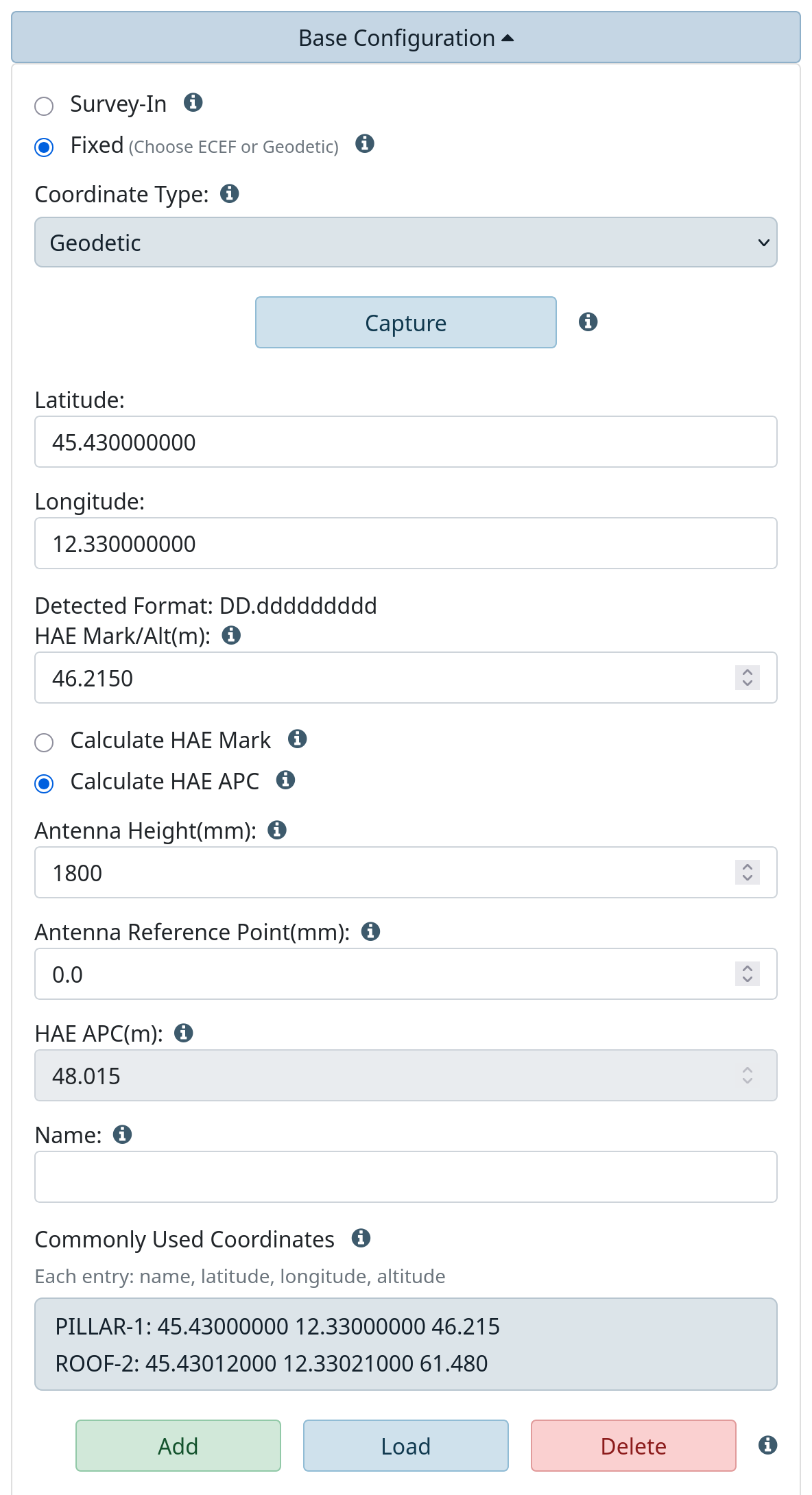
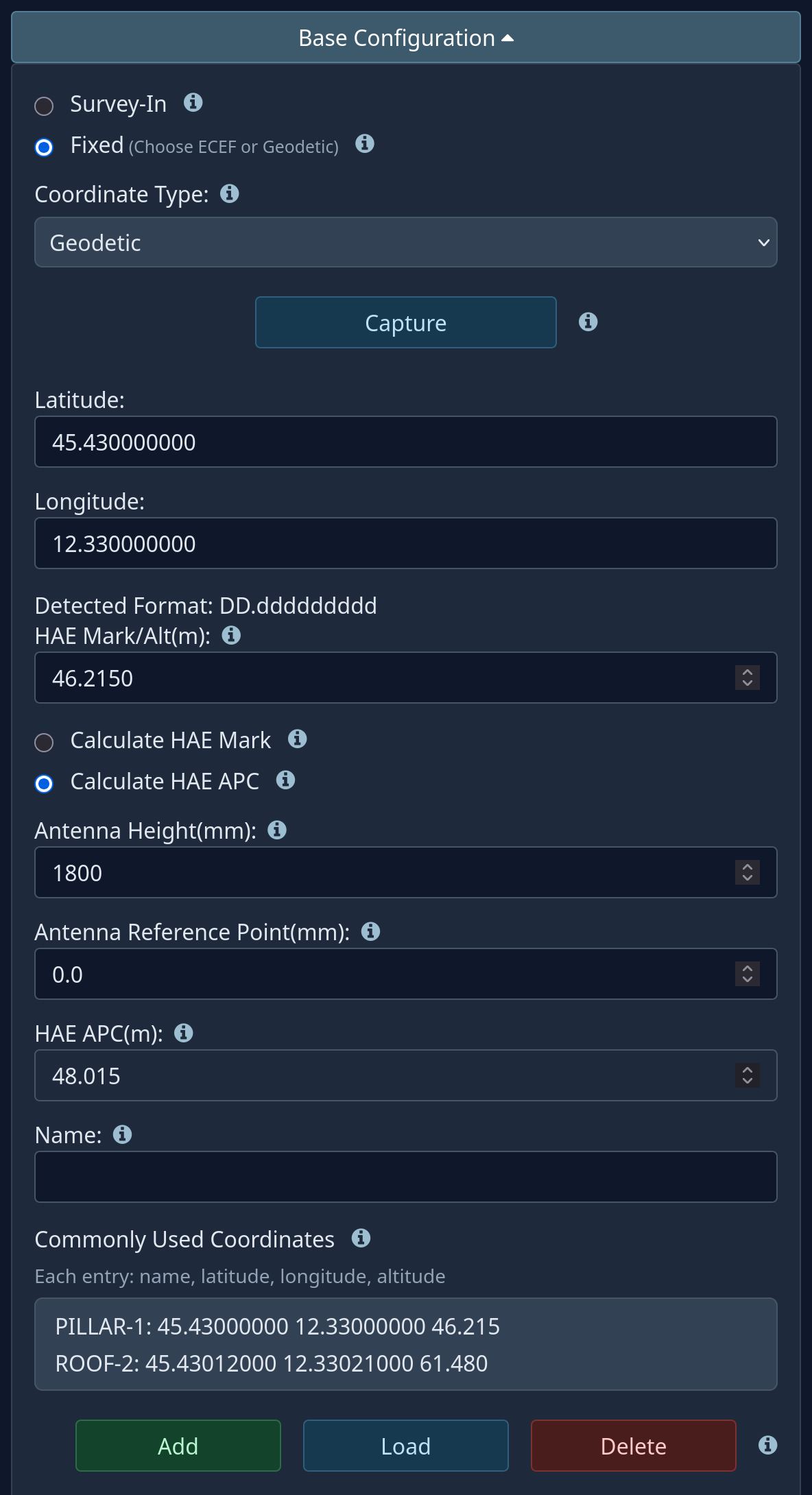
Figure 3 — Fixed base, geodetic coordinates
Latitude, longitude and ellipsoidal height; the station adds the antenna height.
| Field | What it does | Values | Serial |
|---|---|---|---|
| Capture | Copies current latitude and longitude, the current height into HAE APC, and selects Calculate HAE Mark. | button | — |
| Latitude, Longitude | Position of the mark, both in the same format. | −180 to 180, formats below | 3 → 3 |
| Detected Format | Format the page recognised. | read only | 3 → 4 sets the display format |
| HAE Mark/Alt(m) | Ellipsoidal height of the mark. | −11,034 to 8,849 m | 3 → 3 |
| Calculate HAE Mark / Calculate HAE APC | Which height is computed from the other. | choice | — |
| Antenna Height(mm) | Mark to antenna base: pole, tripod, extensions. | −15,000 to 15,000 | 3 → 5 |
| Antenna Reference Point(mm) | Antenna base to phase centre, from its data sheet. | −200 to 200 | 3 → 6 |
| HAE APC(m) | Height of the phase centre: mark + antenna height + ARP. | computed | first line of 3 |
| Name | Name for the list. | 1 to 49 characters | — |
Formats: DD.ddddddddd, DDMM.mmmmmmm, DD MM.mmmmmmm, DD-MM.mmmmmmm,
DDMMSS.ssssss, DD MM SS.ssssss, DD-MM-SS.ssssss, and the last three without
decimals. West and south are negative; the decimal separator is the point. Errors:
Coordinate format unknown, Formats must match.
- Calculate HAE APC (usual): type the known height of the mark; the page adds antenna height and ARP.
- Calculate HAE Mark: the known height is the antenna's (e.g. just captured); the page subtracts them.
The station always transmits mark + antenna height + ARP. HAE is height above the ellipsoid: an orthometric height (above sea level) must first be converted by adding the local geoid undulation. The Commonly Used Coordinates list works as in ECEF and also stores the two antenna values.
NTRIP server
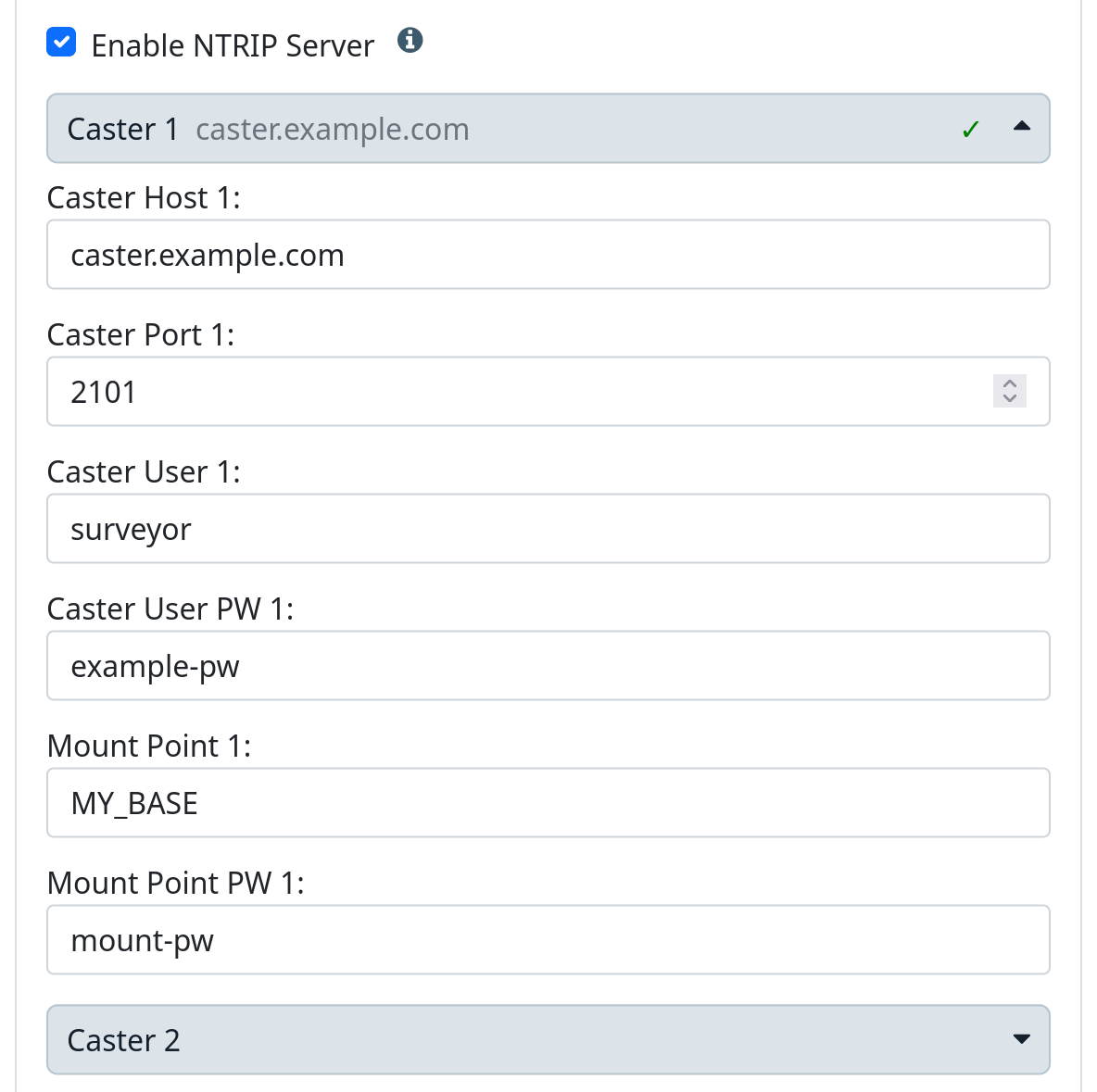
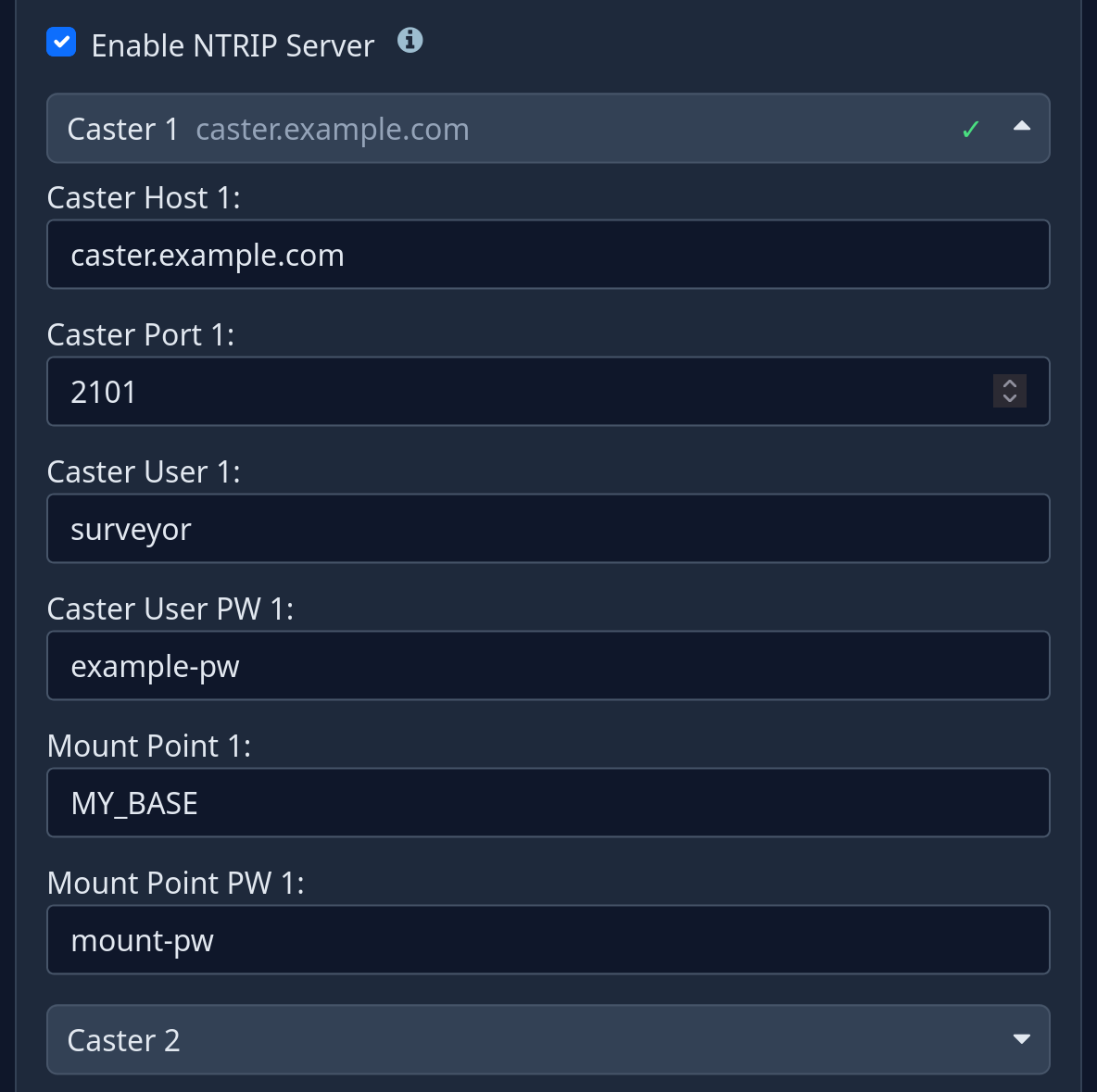
Figure 4 — NTRIP server
Enable NTRIP Server (factory off, serial 3 → 7) sends the corrections to a caster
through a saved WiFi network; any rover with an NTRIP client can then use them at any
distance. The base feeds Caster 1 and Caster 2 at once, e.g. a private and a
public caster, or a spare. Each has its own drawer: the bar shows the address, a tick
marks a caster with an address, the passwords stay hidden until it is opened. In the
serial menu 3 → 8 selects the caster and 9…14 are its fields.
| Field (1 / 2) | What it does | Values | Factory |
|---|---|---|---|
| Caster Host | Caster address. | 1 to 49 characters; empty turns caster 2 off | empty |
| Caster Port | TCP port. | 1 to 65535 (0 for an unused caster 2) | 2101 / 0 |
| Caster User / User PW | Not sent to the caster: they can be left empty. | up to 49 characters | empty |
| Mount Point | Name under which this base is published. | 1 to 49 characters (required for caster 1) | empty |
| Mount Point PW | The password most casters ask of a base. | up to 49 characters | empty |
The server logs in to the caster with NTRIP 1.0, which carries only the mount point and its password: what counts is Caster Host, Caster Port, Mount Point and Mount Point PW. The rover's NTRIP client is another matter: it does use a user and password.
If a caster does not answer, the server tries again at most every two minutes, with no
limit; a caster that rejects the password stops it until the caster settings or the mode
change or the station restarts. When the station starts as a base (leaving Config mode or at power-on) the
display shows Base, then Xmitting, and Casting once the caster receives the
corrections: see The display › Casting to an NTRIP caster.
RTCM Rates
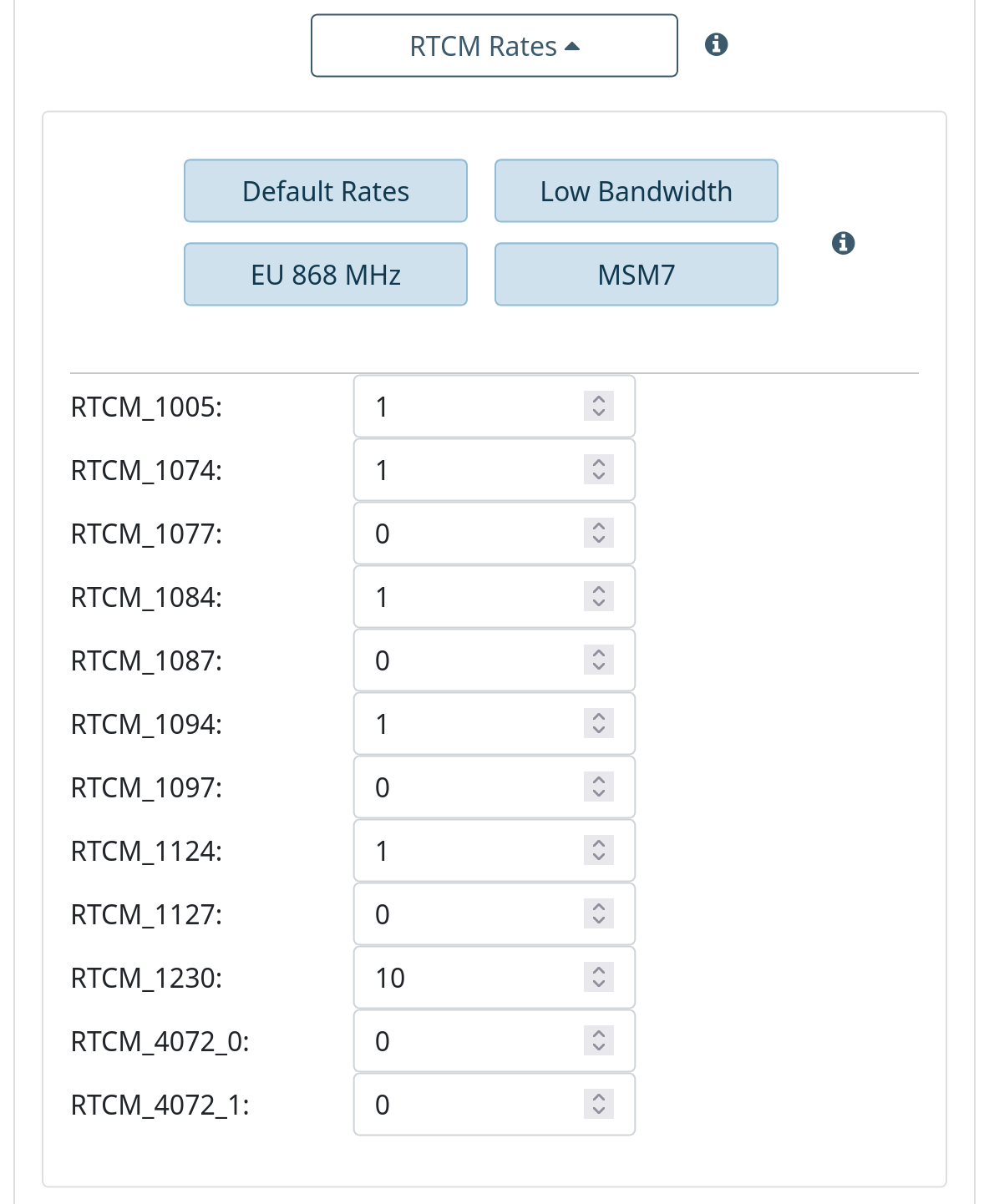
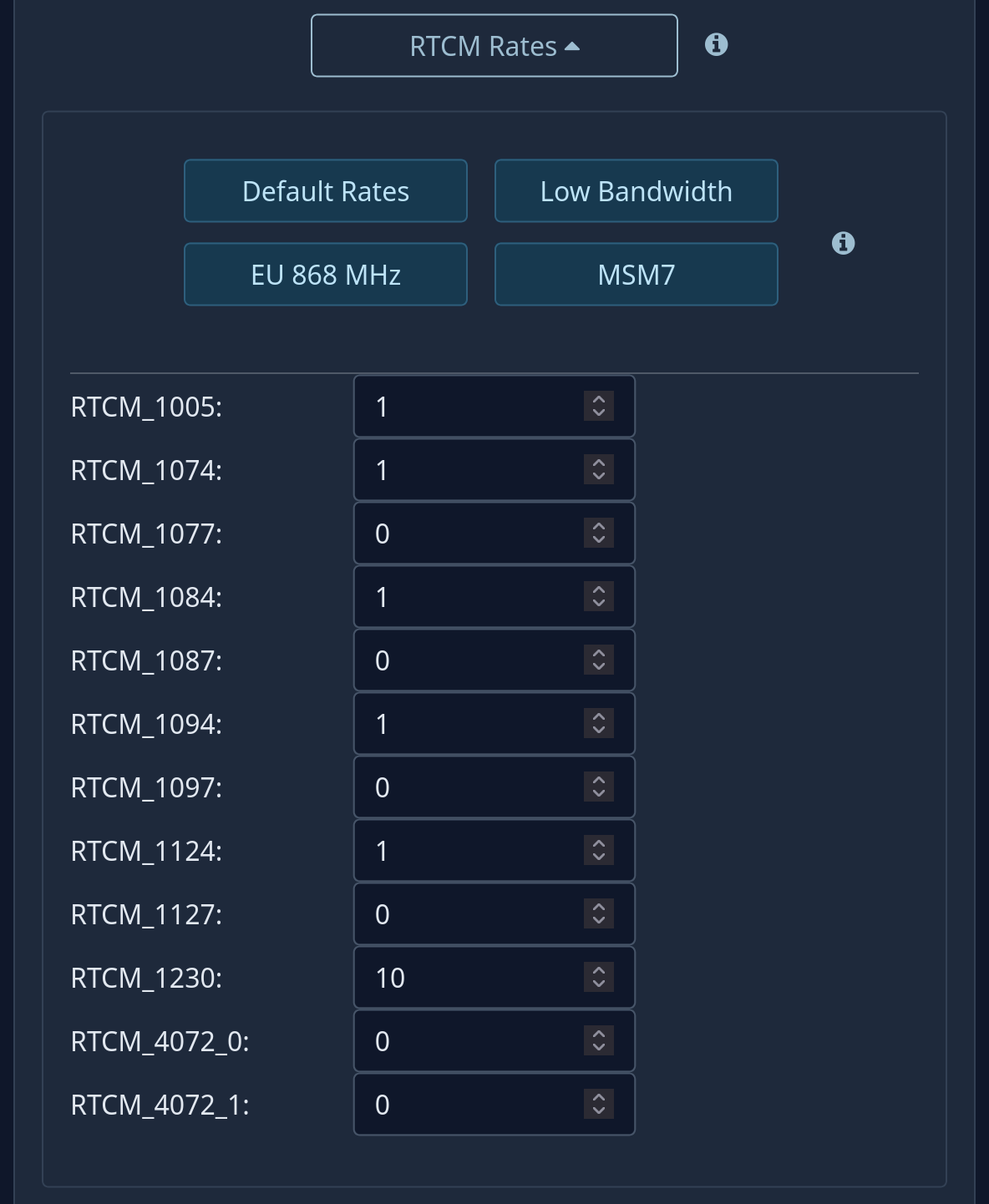
Figure 5 — RTCM Rates
Which RTCM messages the base sends and how often. A base works at 1 Hz, so the number is
the seconds between two messages (0 = never, up to 255). Serial: 3 → 8 (15
with the NTRIP server on), then 1 for the list.
| Message | Content | Factory |
|---|---|---|
| 1005 | Position of the base. | 1 |
| 1074, 1084, 1094, 1124 | MSM4 observations of GPS, GLONASS, Galileo, BeiDou. | 1 |
| 1077, 1087, 1097, 1127 | The same in the fuller MSM7 form: more data, same RTK result; the MSM7 button turns them on. | 0 |
| 1230 | GLONASS code-phase biases, needed by rovers using GLONASS. | 10 |
| 4072_0, 4072_1 | Proprietary, only between modules of the same family. | 0 |
| Button | What it does | Serial |
|---|---|---|
| Default Rates | The factory set above. | 2 |
| Low Bandwidth | Observations every 2 s, 1005 and 1230 every 10 s: for slow links. | 3 |
| EU 868 MHz | GPS and Galileo every second, BeiDou every 2 s, 1005 every 10 s, GLONASS and 1230 off: about a third less data, for an 868 MHz radio in Europe, which may only transmit for part of the time. | 4 |
| MSM7 | 1077, 1087, 1097, 1127 and 1005 every second, 1230 every 10 s, MSM4 off: more data per constellation and more bandwidth. NTRIP WiFi not the LoRa radio | 5 |
MSM7 is worth it when the link has bandwidth to spare (a caster over NTRIP, ESP-Now over WiFi): the rover gets the full-resolution observations; on the LoRa radio it does not fit, use EU 868 MHz or Low Bandwidth there.
In the panel the buttons only fill the boxes until Save; in the serial menu they rewrite the rates at once, without asking. From the serial menu, changes restart the base when the main menu is closed, if the station is working as a base.