The display
The receiver has a 128 × 64 pixel monochrome display on the front panel. It is the only way to know what the unit is doing without connecting to anything: it shows which mode it started in, how many satellites it sees, what accuracy it is reaching and whether it is logging to the microSD card.
The figures on this page are redrawn from the firmware, so they match what appears on the screen pixel for pixel.
At power-on
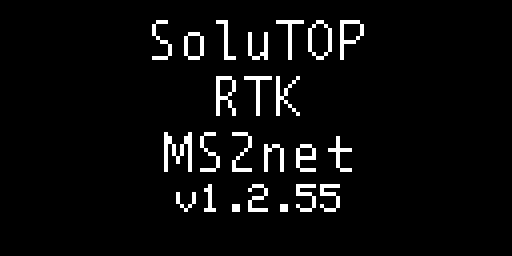
At power-on the display shows the name of the unit and, on the last line, the installed firmware version: this is the quickest way to know which version is running. It stays for a few seconds, while the GNSS module and the peripherals start up, then the screen for the mode the receiver started in appears — rover or base, according to the Startup Mode setting.
In rover mode
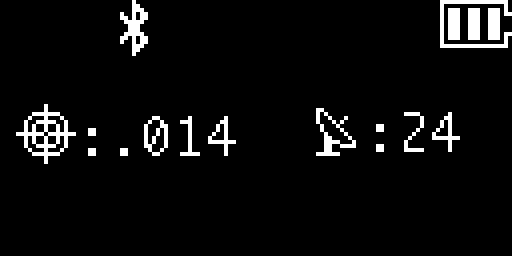
This is the screen you will see most often. From left to right:
- the crosshair, which shows the quality of the position: a single circle when the position is standalone, a double circle when the RTK corrections are locked;
- the horizontal accuracy, preceded by a colon. Below one metre it is written without
the leading zero and in millimetres, so
:.014means 14 mm; between 1 and 10 metres two decimals are shown, and above 30 metres the display shows:>30m; - the antenna with the number of satellites used in the solution, also preceded by
a colon:
:24. With:0the receiver does not have a position yet, with:Xthe GNSS module is not responding; - at the top, the active connections (Bluetooth, WiFi) and the battery.
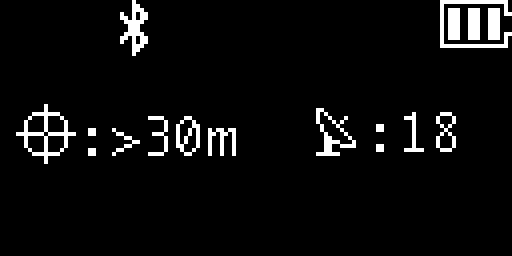
With :>30m and the single crosshair the receiver is still computing a standalone
position: the corrections are not arriving, or have not been applied yet.
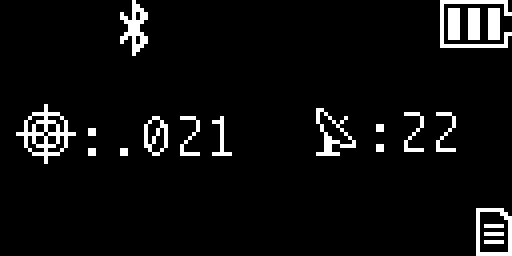
The sheet icon at the bottom right appears when logging to the microSD card is in progress.
In base mode
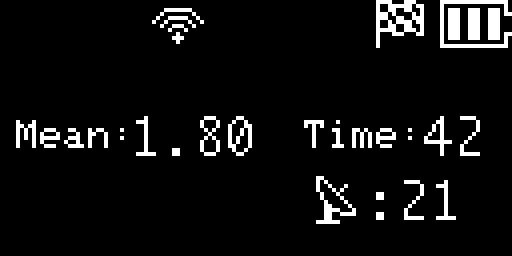
When the base starts in automatic mode, it surveys its own position before it begins to
transmit: Mean: is the mean accuracy reached, in metres with two decimals, and Time:
the seconds elapsed. The survey-in ends when both thresholds are met.
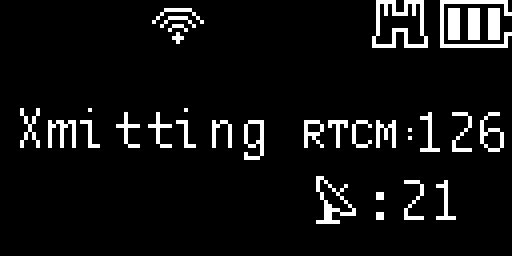
Once the survey-in is complete, the base transmits: Xmitting on the left and RTCM:
with the number of correction packets sent, which should keep rising. If the corrections
are also sent to a caster, Casting appears in place of Xmitting.
In configuration mode
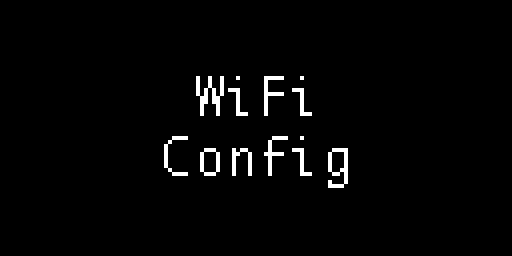
When entering configuration mode the display shows WiFi Config while the network starts up. It then shows which network to connect to and at which address to open the panel:
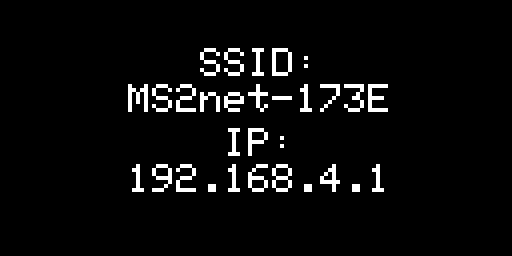
If the receiver creates its own network, SSID: is the name to look for among the WiFi
networks and IP: the address to open in the browser once connected.
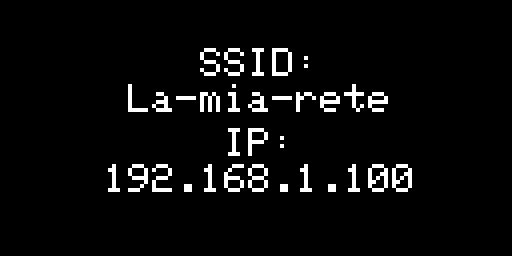
If instead it joins an existing network, the name of that network and the address it received are shown: that is the address to open in the browser.
Long names
A network name or an address that does not fit on one line scrolls by itself, half at a time, every two seconds.